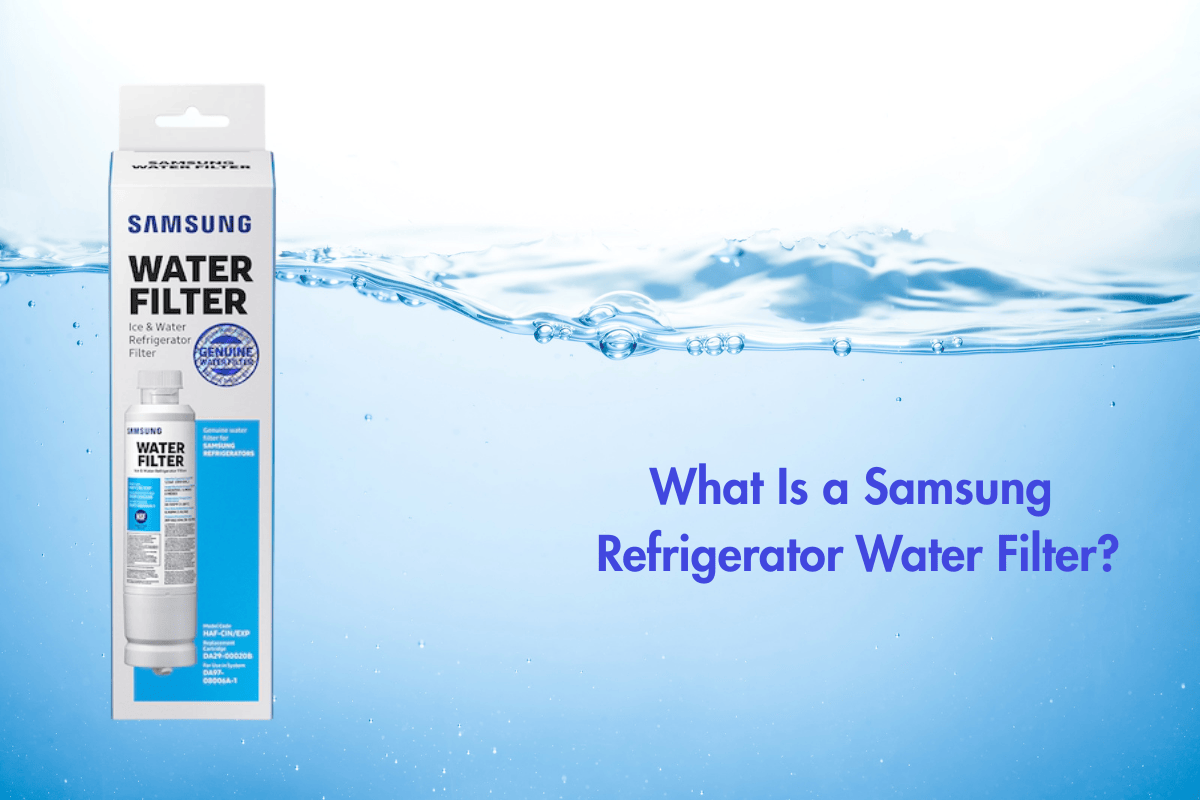
If you own a Samsung refrigerator with a water or ice dispenser, you’ve probably seen the little reminder pop up saying “Replace Water Filter.” But what exactly do Samsung water filters do? And are they actually good enough for clean drinking water?
What Is a Samsung Refrigerator Water Filter?
Samsung refrigerator water filters are twist-in, replaceable filters built specifically for Samsung fridges. Their job is simple:
✔ Clean your tap water
✔ Improve taste and smell
✔ Make safer ice and drinking water
You can install them inside your fridge with a quick twist — no plumbing tools or complicated steps needed.
What Does a Samsung Water Filter Remove?
Samsung uses a multi-stage carbon and sediment filtration system that targets common tap-water contaminants.
Here’s what it reduces:
- Chlorine (removes bad taste and smell)
- Lead & mercury
- Certain pesticides and chemicals
- Particles, sediment & dirt
- Volatile Organic Compounds (VOCs)
These filters are mainly designed for city water supplies (municipal water), which already meet basic safety standards but may still contain chlorine, metals, and odd tastes.
What Does It NOT Remove?
Samsung fridge filters are NOT meant for deep purification. They do not remove:
- Fluoride
- Total Dissolved Solids (TDS)
- Hardness/minerals
- Bacteria or viruses
- Salt from well water
If you have well water or high-TDS water, you may need a stronger system like reverse osmosis (RO).
How Often Should You Replace a Samsung Water Filter?
Samsung recommends replacing the filter every 6 months, or sooner if:
- Your water tastes weird
- Ice tastes or smells odd
- The filter indicator turns red
- Water flow becomes slow
Each filter is built for normal household use and typically handles 200 gallons of water.
Why People Choose Genuine Samsung Filters?
There are many cheap third-party filters online, but Samsung recommends using their own filters because:
- They fit correctly and don’t leak
- They are tested for performance
- They protect the fridge’s water line
- They prevent clogging inside the ice maker
A wrong or low-quality filter can cause leaks, slow water flow, poor filtration, or damage to the dispenser.
How to Install a Samsung Water Filter (Simple Steps)
- Open your fridge and locate the filter (usually inside the top-right corner or bottom left).
- Twist the old filter counterclockwise.
- Insert the new filter and twist clockwise until it clicks.
- Run water for 2–3 minutes to flush the new filter.
- Reset the filter indicator on your fridge panel.
Done! The whole process takes under 60 seconds.
Pros of Samsung Refrigerator Water Filters
✔ Easy installation
✔ Improves taste and odor instantly
✔ Reduces chlorine and common contaminants
✔ Protects your fridge’s water system
✔ Safe for drinking and ice-making
Cons to Consider
✘ Doesn’t remove fluoride or TDS
✘ Not ideal for well water
✘ Filters only fridge water, not whole house
✘ Replacement filters can be pricey
If you need deeper purification, you’ll want a full home filtration system.
Who Should Use a Samsung Water Filter?
A Samsung refrigerator water filter is perfect for you if:
- You drink water from your fridge dispenser
- Your home uses city water
- You want cleaner, better-tasting water
- You want an easy, no-maintenance filter
It’s not the best solution if you have well water, high TDS, or hard water, because these filters aren’t designed for heavy contaminants.
Final Thoughts
Samsung refrigerator water filters are a convenient and effective option for everyday water improvement. They make your water taste fresher, reduce common chemicals, and keep your ice clean — all with a simple twist-in replacement every six months.
They’re not meant to replace advanced systems, but for families who rely on fridge water dispensers, Samsung filters offer a safe, budget-friendly, and easy-to-use solution.
If you’d like, I can also create:
• Comparison chart: Samsung filter vs Reverse Osmosis
• SEO-optimized meta description
• Google search ads headlines
• A full “Best Samsung Filters” buying guide for your website
Just tell me!